

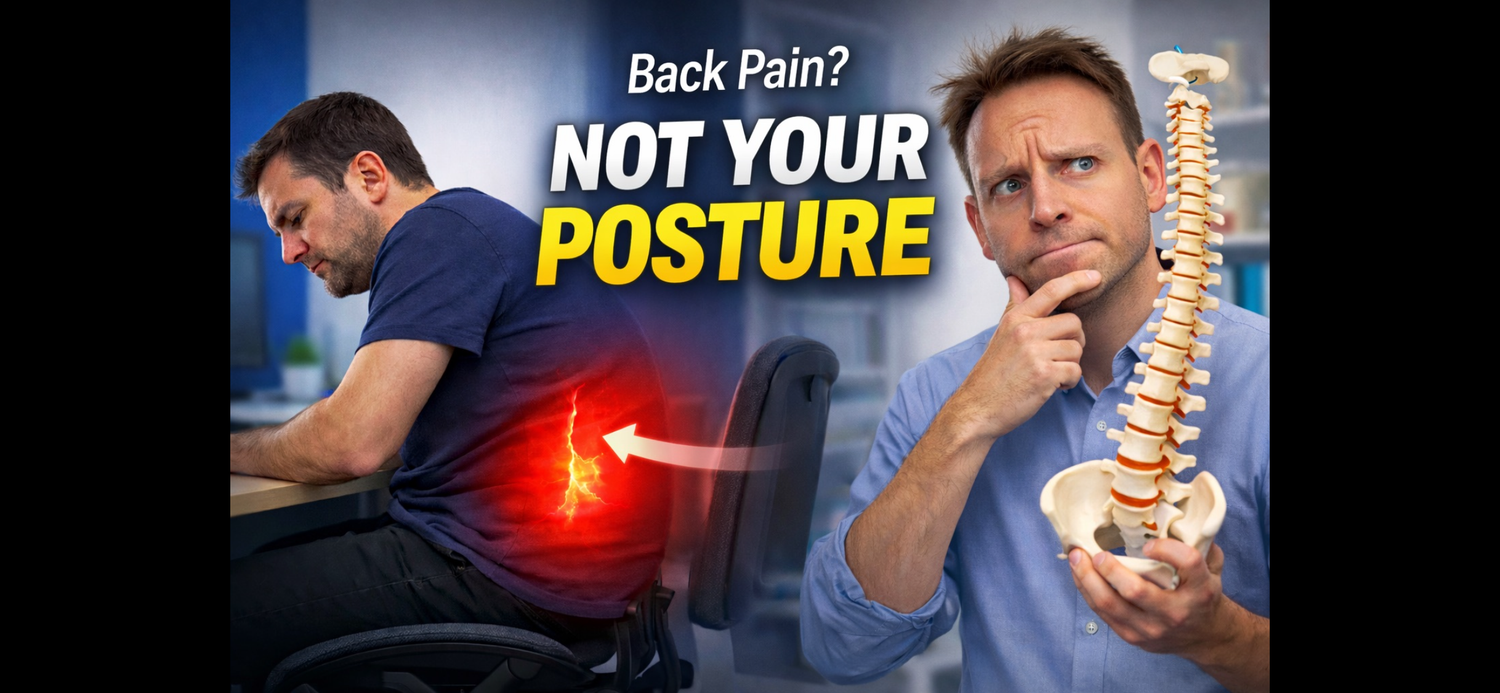
Why Your Back Hurts When Sitting — It’s Probably Not What You Think
If your back hurts when you sit, the answer is usually not to force yourself to “sit up straight” all day. In most cases, the real issue is poor support, too much static load, and not enough movement.
Key takeaway
The best posture is your next posture. Your back usually feels worse when you stay in one position too long — even if that position looks “good.”
If your back hurts when you’re sitting, the problem is probably not that you have “bad posture.”
Most people I see in clinic assume they just need to “sit up straight” all day. But let’s be honest — that is uncomfortable, tiring, and almost impossible to maintain for hours at a time. More importantly, it does not really solve the underlying problem.
The issue is that the word posture has been completely hijacked. When most people hear it, they picture sitting bolt upright, shoulders pinned back, chest out, and not moving at all. But that is not a realistic or sustainable way to sit.
If you try to hold yourself in that position all day, the muscles in your back, shoulders and neck quickly fatigue. After 10 minutes or so, most people give up and fall back into a position that feels easier — often without enough support.
So rather than blaming your posture, it is usually more helpful to focus on the real reasons sitting causes back pain.
1. Poor Lumbar Support
One of the biggest causes of back pain when sitting is poor support for the lumbar spine — the five vertebrae in your lower back.
This area naturally has a gentle inward curve. Some people have a more pronounced curve, while others are naturally flatter, but most people benefit from some support in the small of the back.
Without proper lumbar support, that natural curve gradually flattens as the day goes on. That can happen within just a few hours of sitting. When that support disappears, the joints in the lower back can start to ache, especially by the end of the day.
Good lumbar support should feel like it fills the small of your back without shoving you too far forward in the chair. Too little support and you begin to slump. Too much and the chair becomes uncomfortable in a different way.
2. Your Pelvis Starts to Slouch Forward
When the lumbar spine loses its support and begins to flatten, the pelvis often starts to roll forward too. That is when a real slouch develops.
Instead of sitting upright with support behind you, you begin to collapse through the lower back, round your spine, and let your hips roll underneath you. Over time, gravity pushes more pressure into the low back, and that is often when stiffness and discomfort build.
This is why simply trying to “sit straighter” does not work for very long. If the chair does not support you properly, your body will always drift back into a poorer position.
If your chair is not giving you enough support, a simple lumbar roll cushion can sometimes help as a short-term fix. It is not always ideal, but it can give the lower back a bit of extra help until you sort out the chair itself.
3. Too Much Static Load
The next big issue is staying still for too long.
When we sit without moving enough, the lower back stays under constant load. Over time, the discs, joints and surrounding tissues all experience ongoing pressure. The lumbar curve gets compressed, the joints stiffen, and the whole area starts to feel tight and fatigued.
This is one of the reasons sitting can be so misleading. People think the answer is to “sit properly,” but the real problem is often that they are simply not changing position enough.
The body does not like being held in one position for hours. Even a decent sitting position becomes a problem if you stay there too long.
That is why many people notice their back feels better at weekends or on holiday. They are often moving more, walking more, stretching more, and spending less time stuck under the same compressive load all day.
By bedtime, the back can feel sore and locked up. Then overnight everything relaxes a little, and by morning it feels better again — until the same cycle starts over.
4. Movement Matters More Than Perfect Posture
One of the best ways to think about this is:
The best posture is your next posture.
In other words, it is not about holding one perfect position all day. It is about moving regularly and avoiding long periods of static sitting.
A simple rule I often recommend is:
Every 45 minutes, move for 5 minutes.
That might mean:
- standing up
- walking around the house or office
- stepping into the garden
- walking up the road and back
- doing a few gentle lower back movements
Simple stretches can help too:
- bending forwards
- bending backwards
- side bending
- gentle spinal movement
This helps keep the joints moving, encourages circulation, and reduces the build-up of pressure in the low back.
A sit-stand desk can also be useful, because it allows you to alternate between sitting and standing throughout the day. Just be careful not to swing too far the other way — standing all day can be just as unhelpful as sitting all day.
5. Your Chair Setup Still Matters
Even though posture is not the whole story, your setup still makes a big difference.
Small adjustments can have a surprisingly big impact, including:
Armrests
They should not be too high or too low. Ideally, they should support your arms in a neutral position without shrugging your shoulders or making you lean awkwardly.
Seat Height
Your chair should be set so your feet are supported properly. If your feet are hanging in the air, you are more likely to slide forward or perch on the edge of the chair.
If needed, use a footrest.
Hip Angle
You do not want the chair so low that your hips are overly compressed at the front. Ideally, you want a slightly open hip angle that feels natural and supported.
Sit Back in the Chair
A lot of people drift forward and stop using the backrest altogether. Try to sit back into the chair so you can actually benefit from the lumbar support.
Screen Height
If your screen is too low, your head and upper back start to drop forwards, which can also affect the lower back over time.
Ideally, your eyes should look through the top third of the screen. A laptop stand is great for this, but a stack of books can work just as well.
Even a Good Chair Needs to Suit the Space
A good chair matters, but so does the environment around it.
You may not always be working at a perfect desk setup. Plenty of people are sitting at dining tables or temporary workstations. That is why it helps to focus on practical adjustments you can actually make in the real world.
The goal is not perfection. The goal is to create a setup that supports you well enough, and to build more movement into your day.
In Summary
If your back hurts when sitting, it is probably not because your posture is “bad.”
More often, the real problems are:
- poor lumbar support
- too much slouching through the pelvis
- sitting still for too long
- a chair or desk setup that does not support you properly
The answer is usually not to force yourself to sit rigidly upright all day.
Instead, support the natural curve in your lower back, sit back into the chair, keep your feet supported, get your screen height right, and move more often throughout the day.
Your body is usually telling you something long before the pain becomes obvious. The sooner you respond, the easier it is to break the cycle.
When your chair is adjusted properly and your posture changes regularly throughout the day, your back should feel more supported, more natural, and much less irritated.
Need help choosing the right chair?
If your current chair is not supporting you properly, the right setup can make a huge difference. Explore our chiropractor-led seating advice, take the chair quiz, or browse our ergonomic chair range.


Leave a comment
This site is protected by hCaptcha and the hCaptcha Privacy Policy and Terms of Service apply.